
Digi Formatting Cloud
support@digixperience.com

User Guide
Five macros for making a Confluence page easier to read: a coloured button, a collapsible panel, percentage bars, and a stepped progress tracker.
Nothing here needs configuring at the site level. Install the app, edit a page, and the macros are in the macro browser.
Adding a macro to a page
-
- Edit the page.
- Type `/` followed by the macro name, or pick it from Insert → Other macros.
- Select the macro, then use Edit on the macro to open its configuration.
- Fill in the fields and choose Save.
- Publish the page.
Fields marked with a red asterisk are required.
Migrating from Connect or Data Center
- Both are supported, and both are automatic.
- From Connect app: The app updates in place. There is nothing to reconfigure.
- From DC: Migrate your content with the CCMA as usual and install the Cloud app. There is nothing to reconfigure.

Digi Button
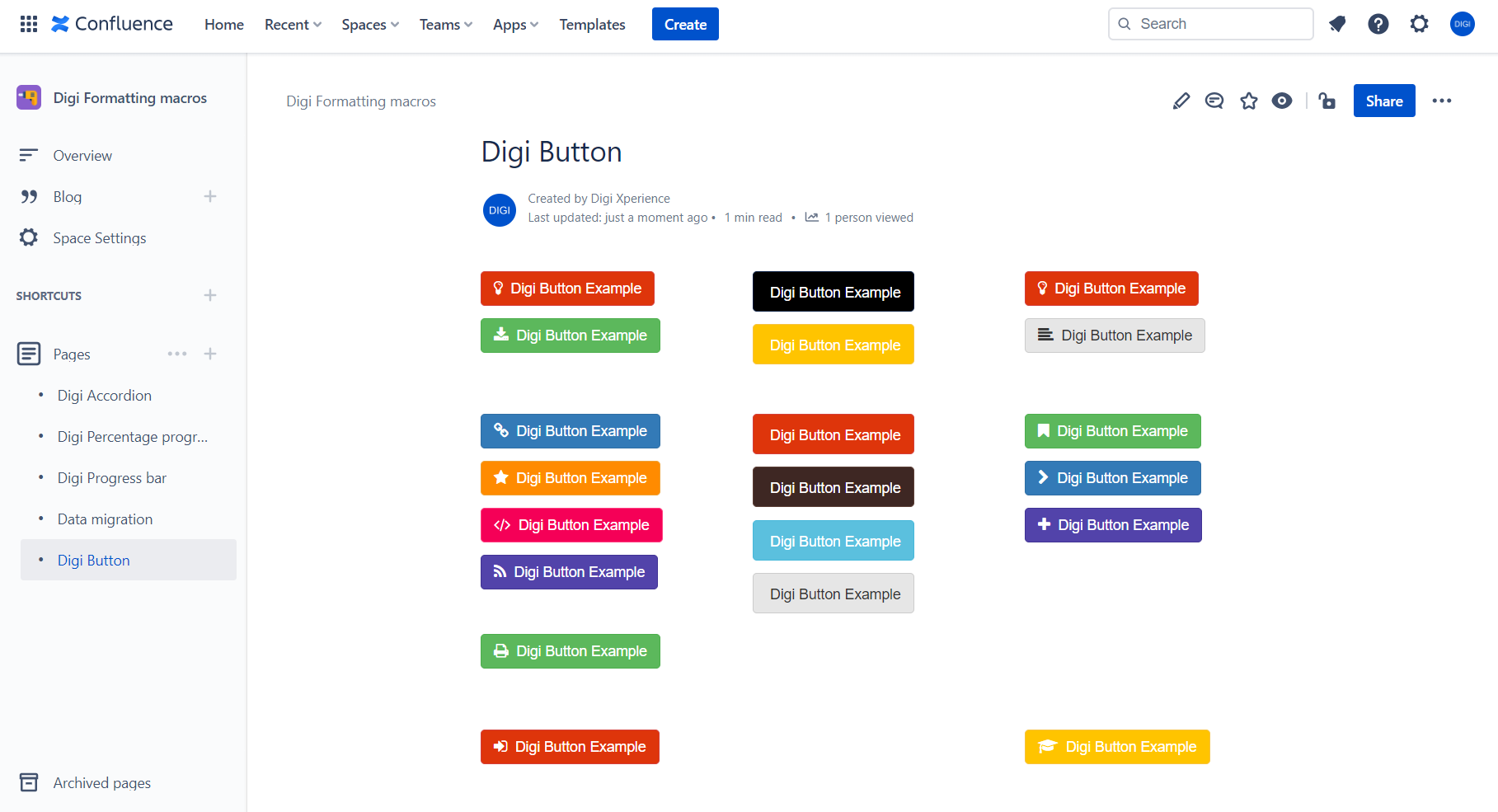
A coloured button with an optional icon. Give it a link and it acts as one.
Leave the link empty and it is decorative, which is useful as a label or a status chip.
|
Field
|
Required
|
Notes
|
|
Title
|
Yes
|
The text on the button.
|
|
Color
|
No
|
11 colours. Defaults to blue.
|
|
Icon
|
No
|
29 icons, or none for no icon. Defaults to plus.
|
|
Url
|
No
|
Opens in a new tab.
|
Colours: black, blue, blue cyan, brown, gray, green, orange, pink, red, purple, yellow.
Icons: none, home, download, idea, link, code, star, news, info, question, calendar, config, edit, pin, stats, text, tags, book, bookmark, print, camera, map marker, arrow right, plus, graduation cap, sign in, phone, upload, youtube play.
Digi Percentage progress bar
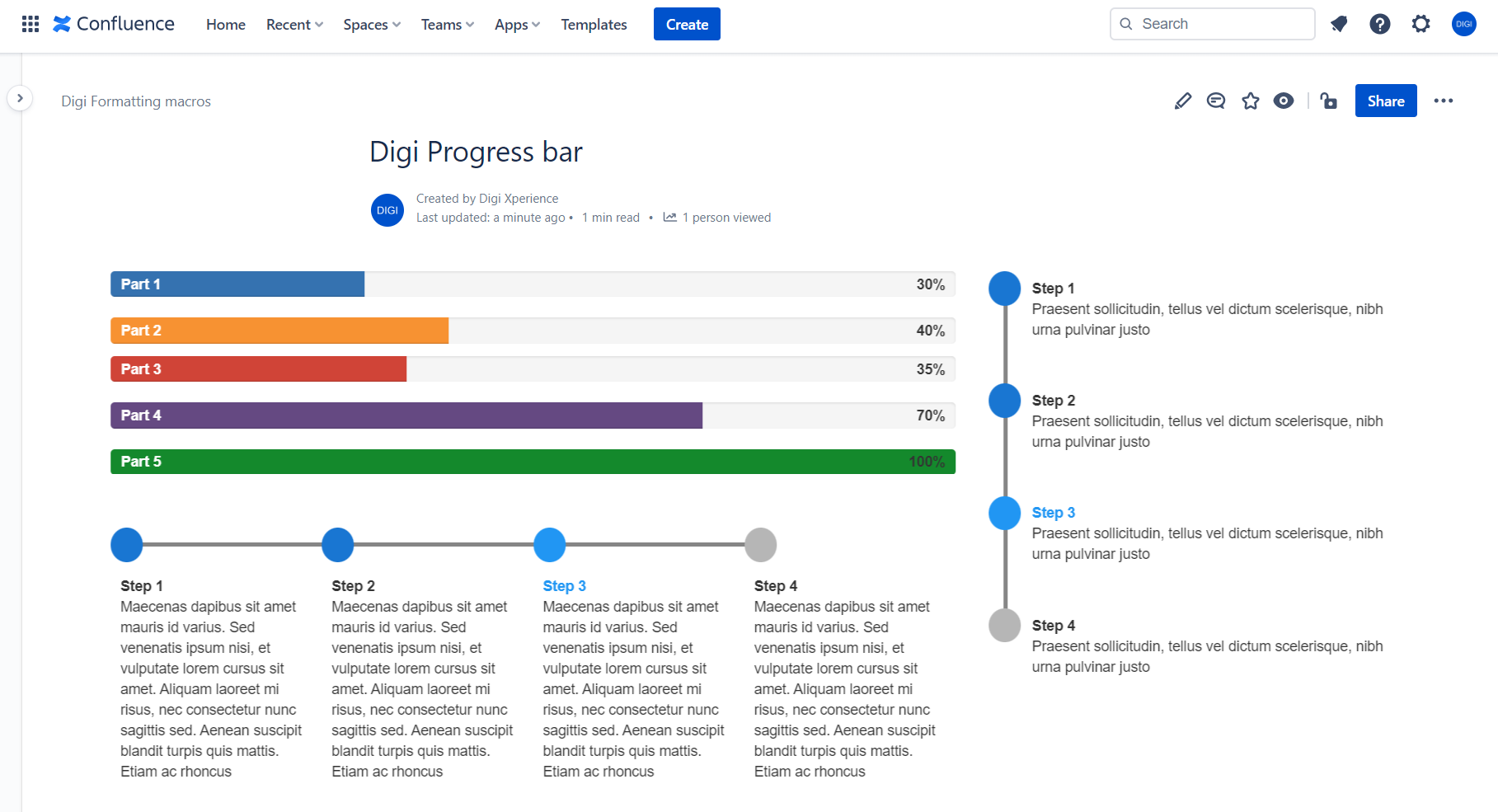
Up to three labelled bars in one macro. Each bar shows its label on the left and its percentage on the right.
|
Field
|
Required
|
Notes
|
|
Title 1
|
Yes
|
The label shown on the bar.
|
|
Percentage 1
|
Yes
|
A number from 0 to 100.
|
|
Color 1
|
No
|
22 colours. Defaults to blue.
|
|
Title 2 / 3
|
No
|
Leave the title empty to hide that bar.
|
|
Percentage 2 / 3,
Color 2 / 3
|
No
|
As above.
|
A bar is drawn only when its title is filled in. That is how one macro shows one, two or three bars.
Percentages are read leniently. `50`, `50%` and ` 50 ` all work, and values are clamped to 0–100, so the number printed beside a bar always matches the bar's width. Text containing no number at all is read as 0.
Colours: black, black light, blue, blue dark, blue cyan, blue slate, blue cool, brown, brown light, gray, gray dark, gray light, green, green mid, green lime, orange, orange light, pink, red, rosie, violet, yellow.
Digi Accordion
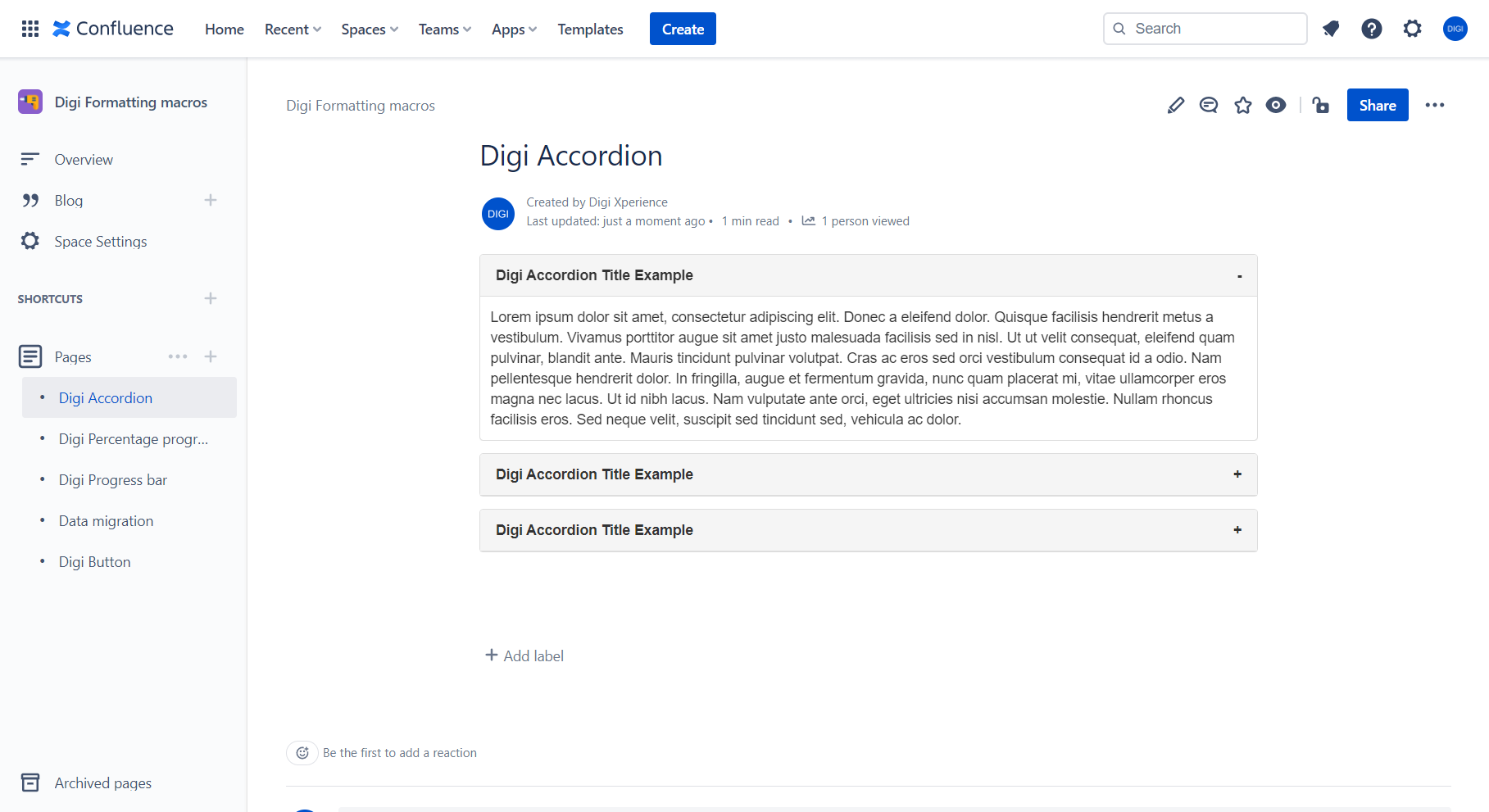
A panel with a heading that expands and collapses. The content goes **in the macro body on the page**, not in a configuration field, so it can hold anything a Confluence page can hold: formatted text, images, tables, code blocks, other macros.
|
Field
|
Required
|
Notes
|
|
Title
|
Yes
|
The heading, always visible.
|
|
Expanded
|
No
|
Tick to have the panel already open when the page loads.
|
Click the heading to open or close it. A `+` on the right means collapsed, `−` means expanded. The heading is a real button, so it can be reached by keyboard and used with a screen reader.
Migration
Moving from DC to Cloud
Pages that use Digi Formatting migrate to Confluence Cloud with the Confluence Cloud Migration Assistant (CCMA). You don't need any extra tools and you don't need to change anything on Data Center.
Before migrating
- Install Digi Formatting from the Atlassian Marketplace on your Cloud site (or sandbox).
Migrating
- Run CCMA as usual. If the app assessment says Digi Formatting has no migration path, you can ignore that and continue. Page content, including our macros, is copied as it is.
After migrating
- Open a few pages that use Digi Formatting macros. Buttons, accordions and progress bars appear with their original settings and content.
- If a migrated page shows none of its macros, convert the page to the Cloud editor. This is an Atlassian platform requirement for migrated pages.
Moving from the Connect app to the Forge app
Digi Formatting for Confluence Cloud now runs on Atlassian Forge. The Forge version replaces the Connect version in place: same app, same Marketplace listing, same licence.
What you need to do
Usually nothing, because the update is applied to your site automatically. If Confluence asks you to approve an update for Digi Formatting under Settings → Apps → Manage apps, approve it.